Tutorials
Plug Sapt into every AI your team uses.
One URL, one identity, one shared memory across Claude, ChatGPT, and any tool that speaks MCP. Pick your assistant and follow the steps below — most teams are live in under two minutes.
MCP URL
https://mcp.sapt.ai/mcpSet up Claude
Works in Claude.ai, Claude Desktop, and Claude Code.
- 01
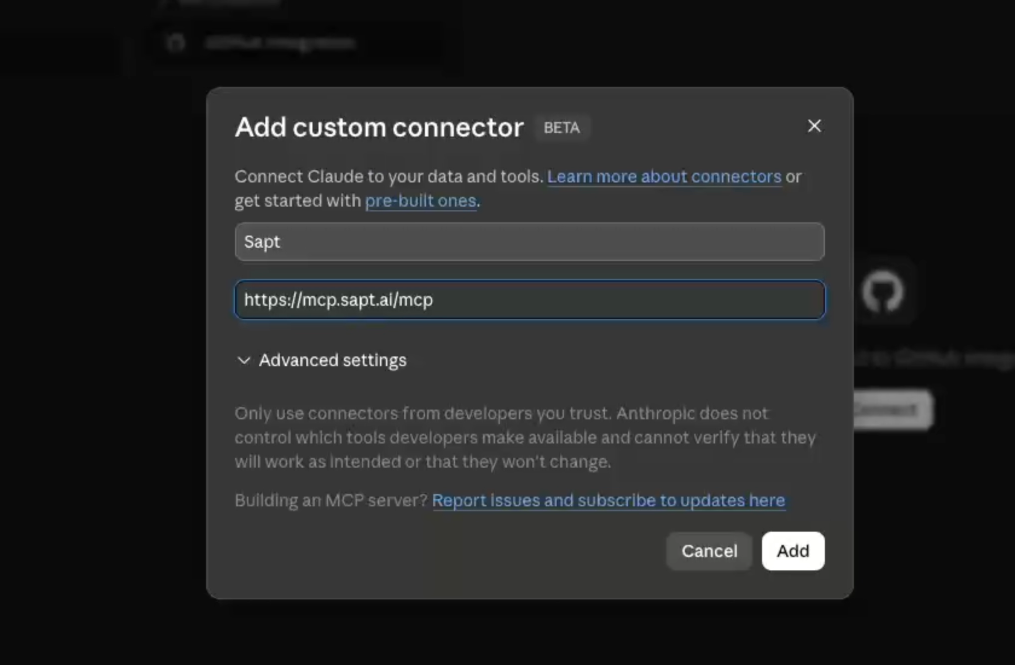
Add Sapt as a custom connector
In Claude → Settings → Connectors, click Add custom connector. Name it Sapt and paste the URL above.
- 02
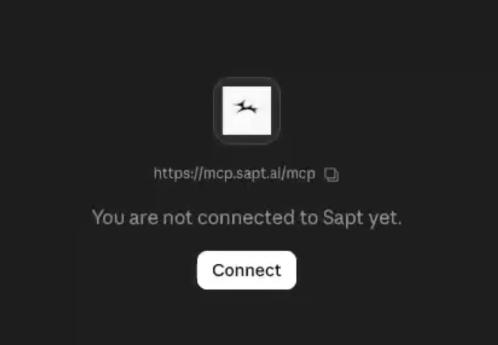
Click Connect
Claude opens a sign-in window. Authorize with your Sapt account.
- 03
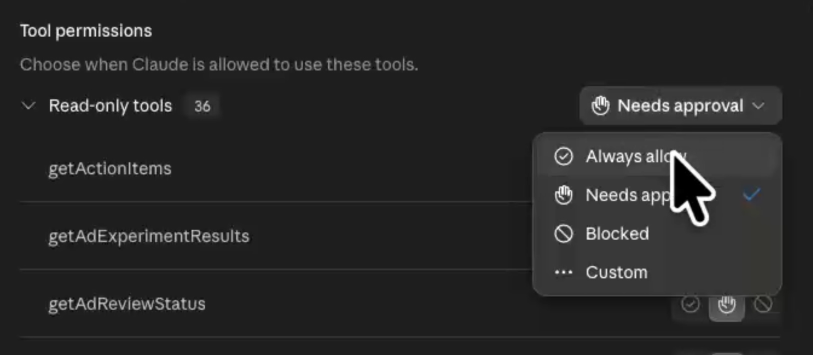
Set tools to Always allow
Optional, but recommended. Lets Claude call Sapt without asking each time.
- 04
Try it out
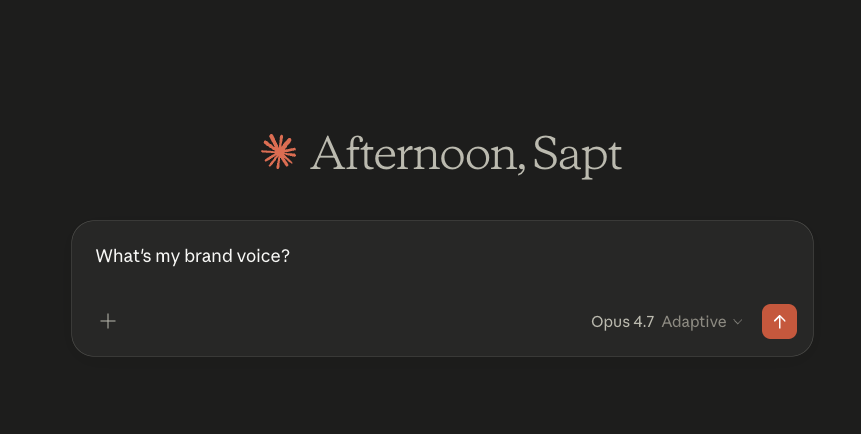
Start a chat and ask: "What’s my brand voice?"